
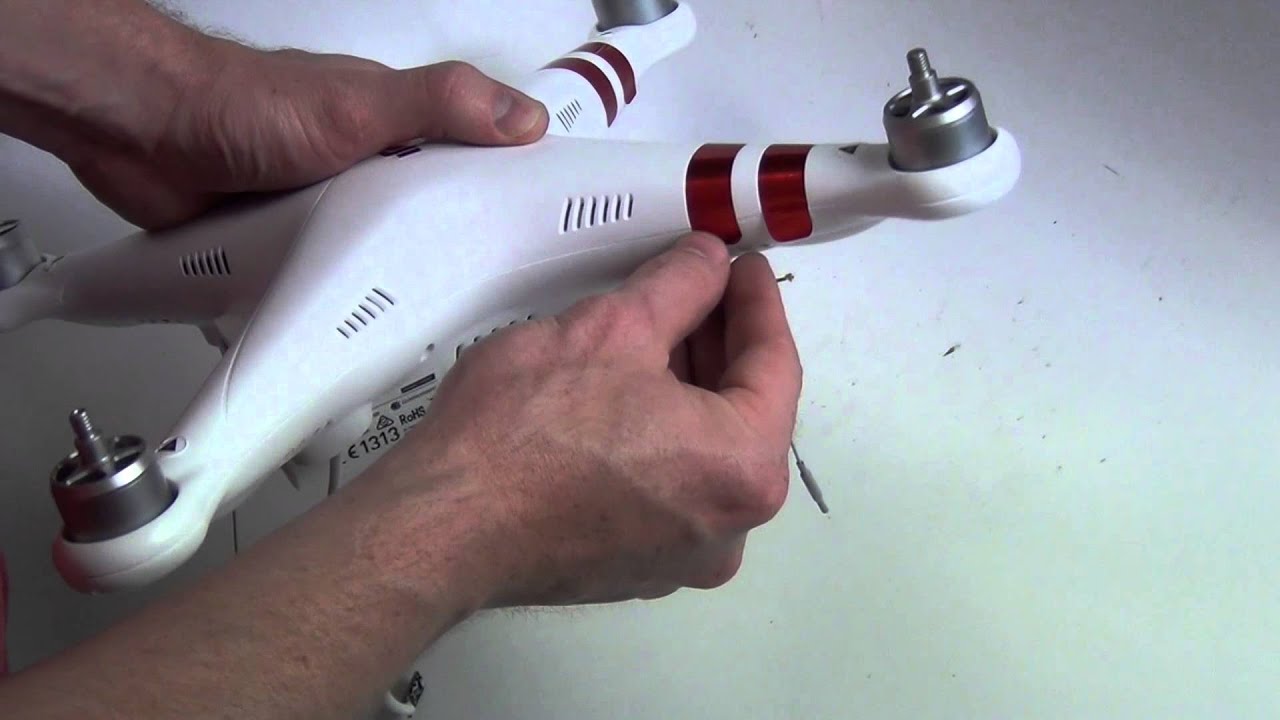
– This video will show you how to take apart the DJI Phantom 3 Standard Drone.
source
How to Take Apart the DJI Phantom 3 Drone Quadcopter


You must be logged in to post a comment.
– This video will show you how to take apart the DJI Phantom 3 Standard Drone.
source
You must be logged in to post a comment.


Great video thanks, very precise. I've shunted my 3 std twice now and both times the antenna cables (grey and black have been cut) the first time the camera came off (no secure pins) then last time hit a tree while going backwards!!! I now am a believer of "if you can't see it" don't fly? Just hold where you are and walk to drone? I use small ty raps to thread through where the pins go. I don't know how I didn't silicone the grey and black cables to the body, which I promised myself I would do after the 1st shunt but its a must to eliminate loose cables? Hope this helps others?
Very informative video, thanks for sharing.
Great video, but I wish you'd spent more time around 10:00, showing how to undo the clips that hold the two halves of the body together.
Where can I find the tool you are using to pry the shell apart with? Thanks for making a very informative video
You were not concerned about having a magnet so close to your compass module? I ruined my Hubsan501s that way, easy fix to replace the compass module but I was grounded from flying for two weeks while I waited for the new part. Love the video and I appreciate your good work but I was just concerned about the magnet. Cheers.
Good job. By the way, what's the music name?
great video
Wow you did an excellent job on this video. Thanks.
Thanks Much ! Great Job .
To remove Drop PIns is much easier and no need to pry off with screwdriver. Press them full on and then wiggle them back – you can even re-use after …
There are plenty vids on YT showing this.
BONJOUR VOUS VENDEZ CARTE MERE DJI PHANTOM 3 STANDARD
Awesome video, thanks for sharing.
Thanks for the video! I'm thinking about painting my drone so I need to disassemble it.
This is great! thank you very much, I wanted to replace the 2.8ghz antenas and had No idea how.
If I take off the black and gray wire on the gimbal and add a bigger arial would it still work ?
Thank you very helpful.
what are the black and grey wires used for on the gimbal sir
Just to make it clear.. The two antennas on the legs are for transmition and you can unplug them after opening the shell? Also, the video transmitter and antennas are built in the gimbal? So to change video antennas i should only play with gimbal? Thanks! Please answer ASAP!!!
Thank you so much for this video!!! I was scared of doing this without proper guidance!
Nice video but, I have found that cutting the front arm stickers along the line where the two part of the shell come together is better then pulling the tape away and ruining them completely. Happy flying!
Thanks a lot!
Finally a video, showing a standard model, and not the professional or advanced 🙂